User Guide
Everything you need to master Ordo Todo
Projects & Kanban Boards
Organize your work visually with flexible boards and lists.
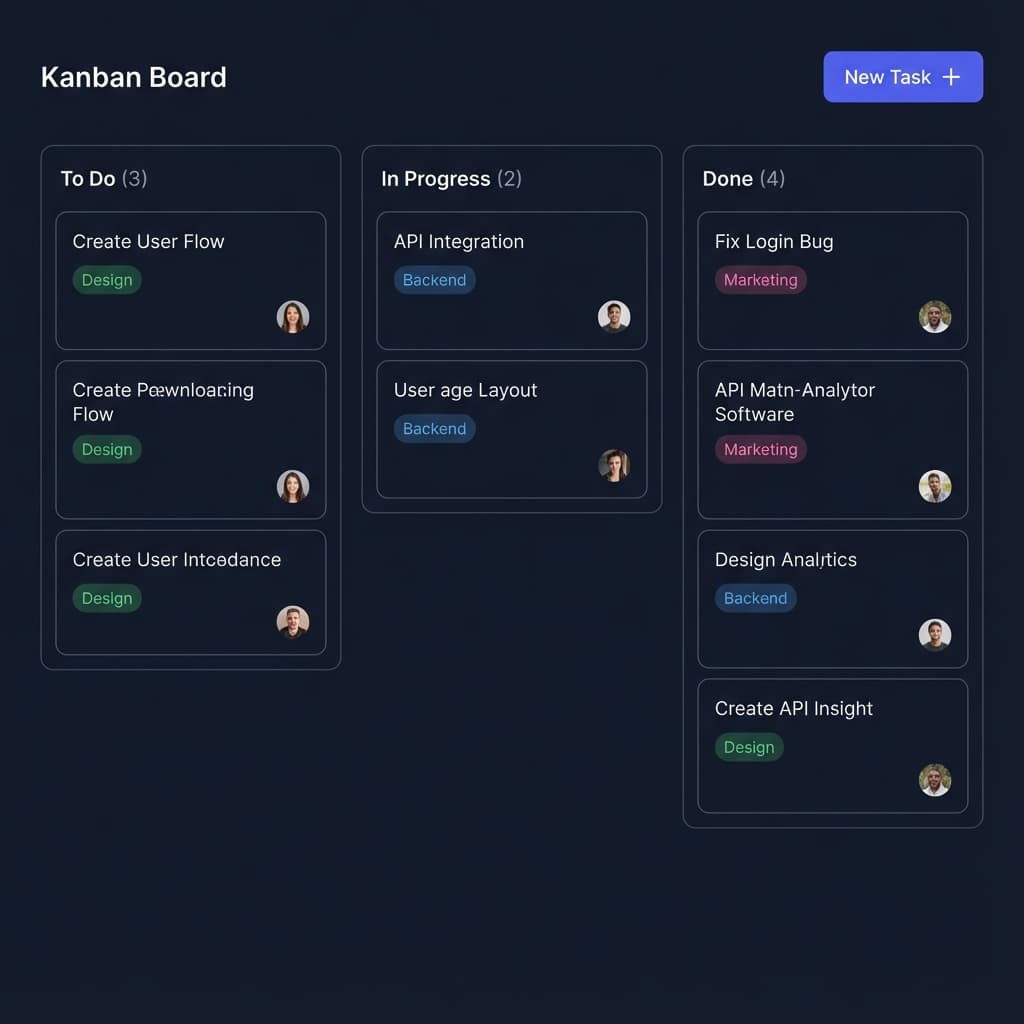
Managing Projects
Projects in Ordo Todo allow you to group related tasks together. Whether you're launching a product, planning a vacation, or managing a team, Projects keep everything organized in one place.
Creating a Project
- Click the + New Project button in the sidebar
- Give your project a descriptive name
- Choose a color for easy identification
- Select a workflow template (or start blank)
Views
Switch between different views to match your workflow:
Kanban Board
Visualize your workflow with columns. Drag and drop cards to update status instantly.
List View
A structured, dense list perfect for reviewing many tasks at once. Great for sorting and filtering.
Advanced Features
Tags & Labels
Categorize tasks with colored tags like "Design", "Marketing", or "Backend".
Team Collaboration
Invite team members and assign tasks. Everyone stays in sync.
Pro Tip: Use the view buttons above the project to quickly switch between Kanban and List.