User Guide
Everything you need to master Ordo Todo
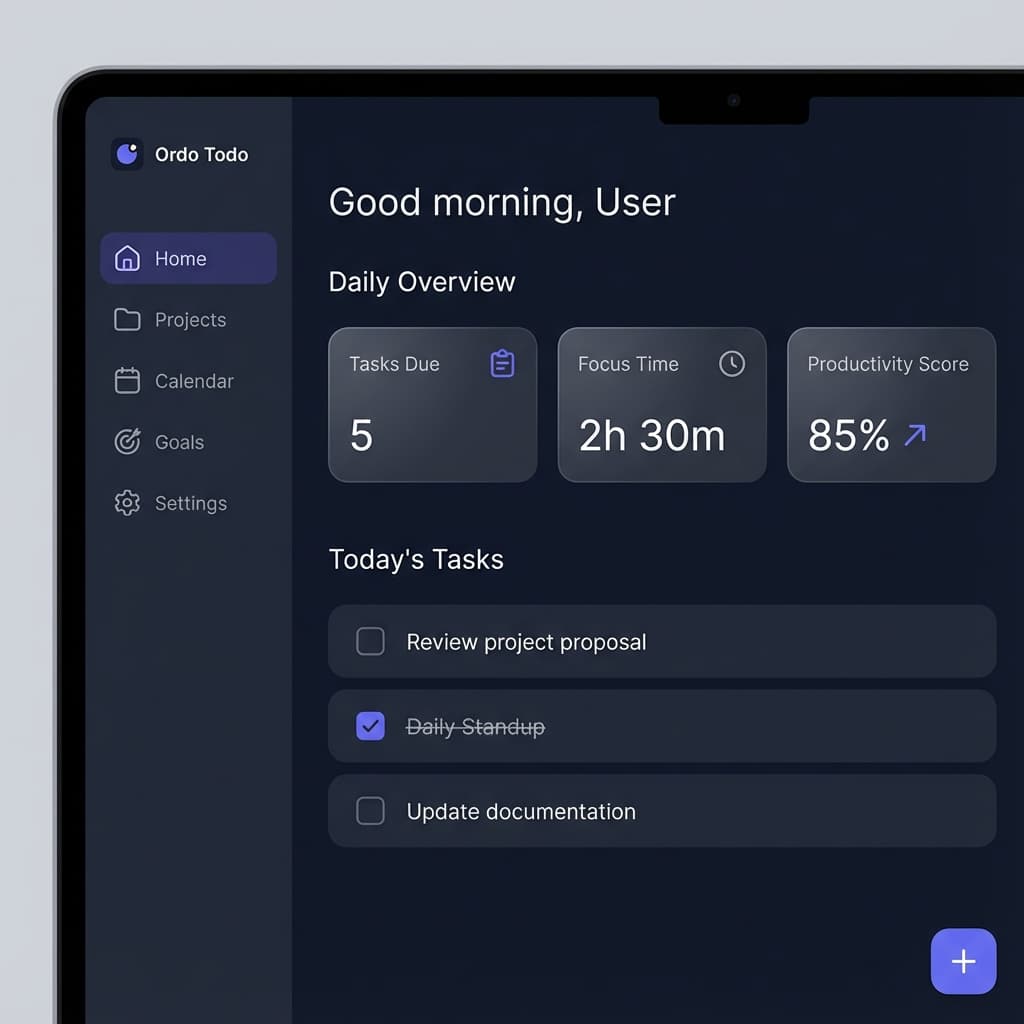
Getting Started
Learn how to use Ordo Todo effectively and boost your productivity.
Welcome to Ordo Todo! This guide will help you get up and running in just a few minutes. Our app combines powerful task management with focus tools to help you achieve your goals.
5-Minute Quick Start
Create your account
Sign up for free and set up your profile. Choose your timezone and preferred language.
Create a Workspace
Workspaces help you separate different areas of your life. Create one for Personal and one for Work.
Add your first Project
Projects organize related tasks. Create a project for each major goal or initiative.
Create Tasks
Break down your projects into actionable tasks. Add due dates, priorities, and estimated time.
Start the Focus Timer
Select a task and start the Pomodoro timer. Stay focused for 25 minutes, then take a 5-minute break.
Pro Tip
Use the keyboard shortcut Cmd/Ctrl + N to quickly create new tasks from anywhere in the app!
Explore More
Dive deeper into specific features with these detailed guides, ordered from first steps to power use:
Level 1 — First steps
Set up and capture your first tasks.
Level 2 — Daily system
Focus, habits, calendar and ritual.
Level 3 — Power use
AI, agents, integrations and analytics.